How to add data to the Data Lake
Video tutorials
Please wait a moment for the video to load – depending on your connection, it can take a few seconds.
How to upload data to the Data Lake
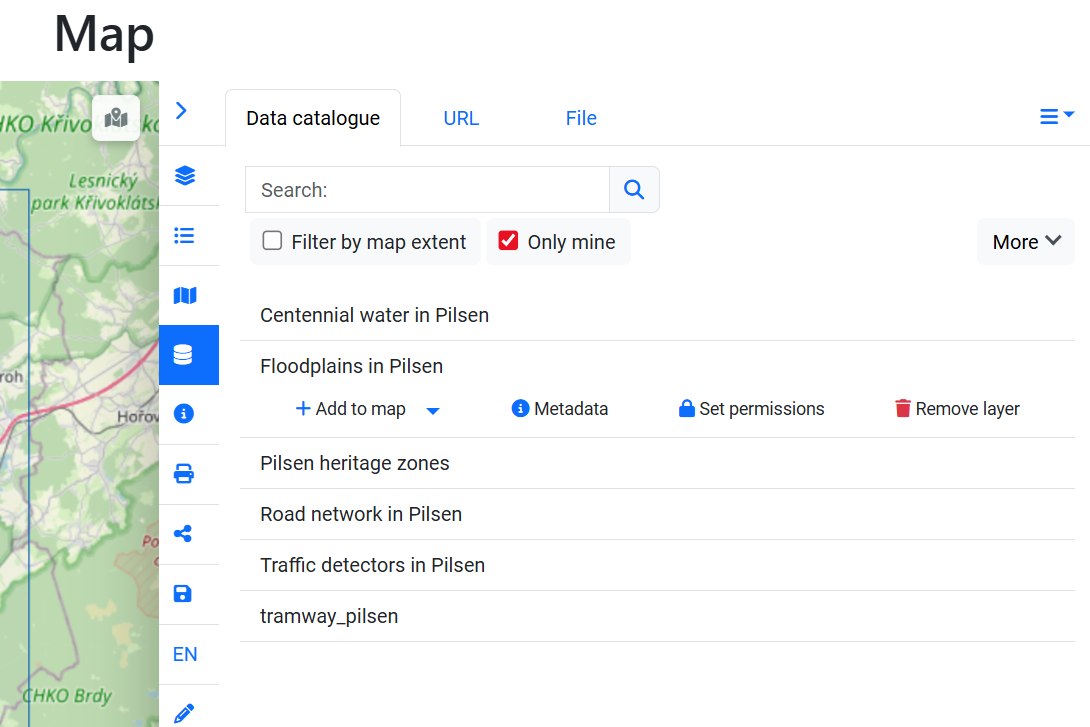
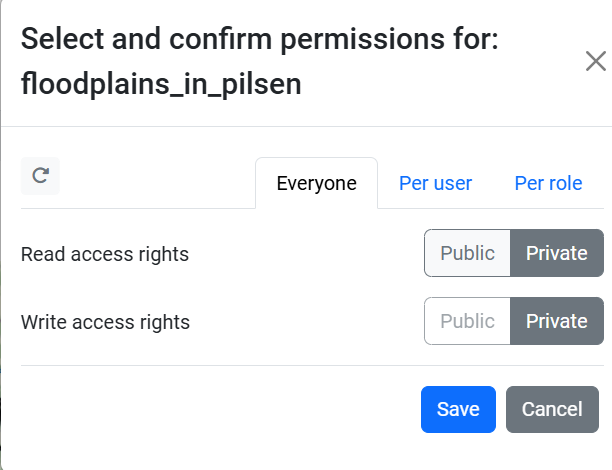
How to set permissions and delete data
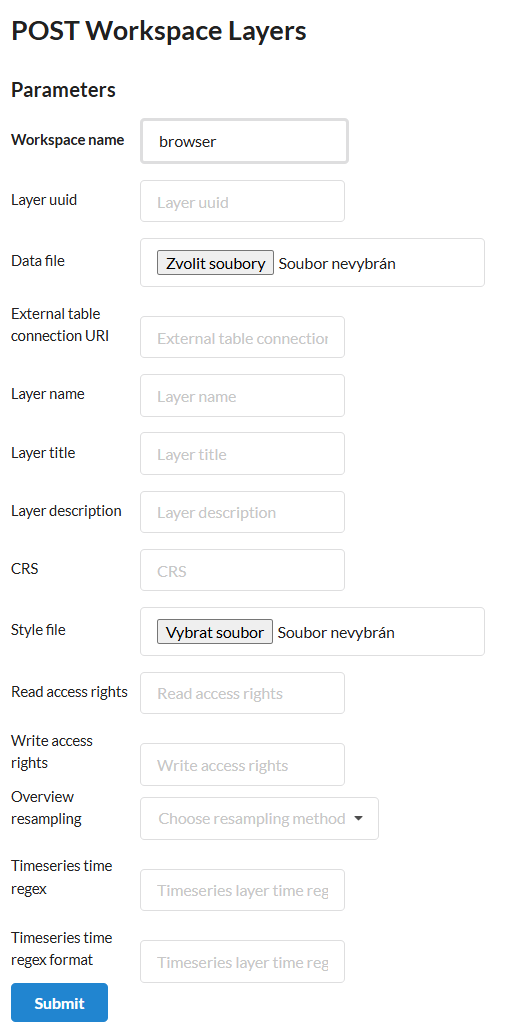
How to upload data to the Data Lake using Layman API
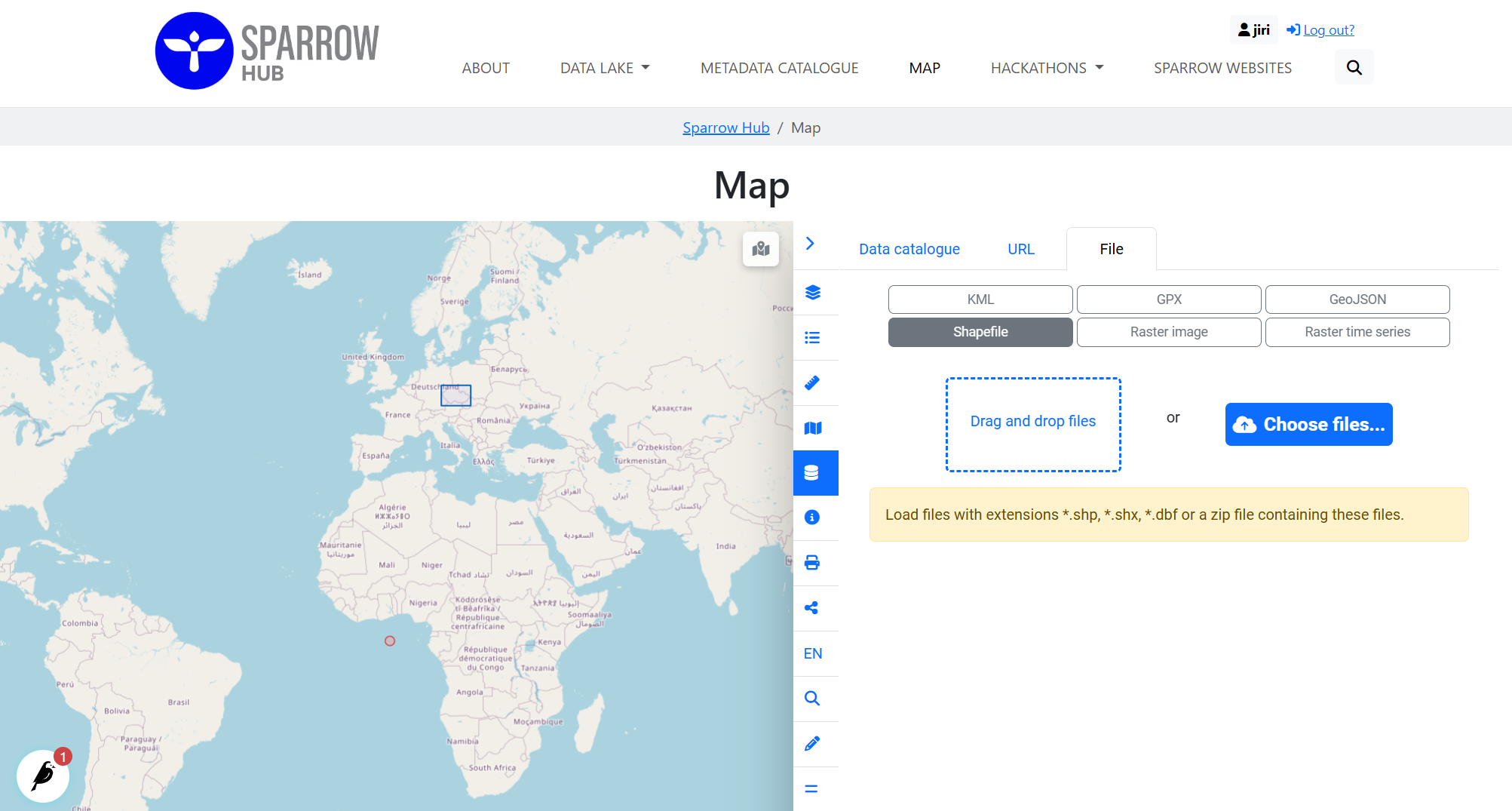
1) Using HSLayers Map
Open the menu path: Map → Add external data / Select data or services for your map composition → File
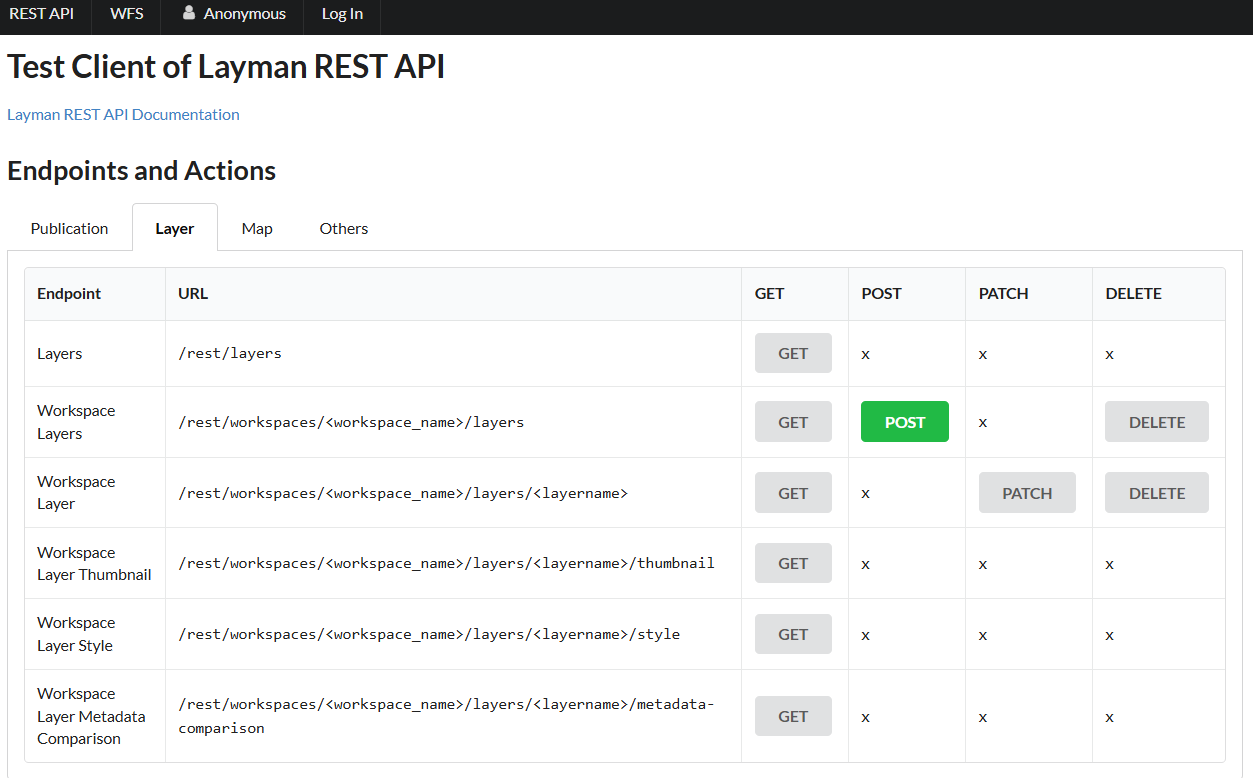
2) Using Layman API
Use Layman endpoint: Data Lake → Layman API → Workspace Layers → POST
How to add sensitive data
- upload file according to the instructions above
- set permission in HSLayers Map Map → Add external data / Select data or services for your map composition → Data catalogue → Select your layer → Set permissions → set read/write for selected users/roles